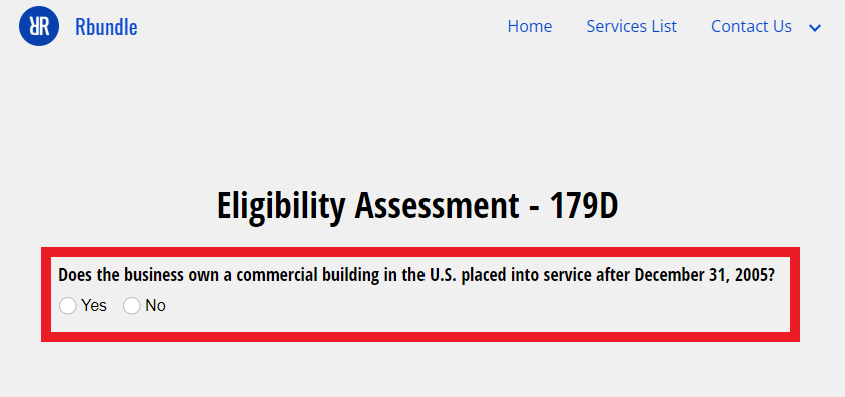
HOW TO RBUNDLE Watch how quick and easy it is to request proposals: *Some forms may not work using Incognito/Privacy mode. STEP 1 On the Services List, expand a category by clicking the + STEP 2 Learn about the services that may benefit your business by clicking the arrow drop down for a service. STEP 3 Read the service description to learn about the service and to help decide if the service is desirable for the business. STEP 4 For desired services, check your business's eligibility by clicking the "Take Assessment" button. STEP 5 Complete the Eligibility Assessment to see if your business is likely eligible for the service. If not, explore other services. If so, continue below. STEP 6 For services the business is eligible for, download and complete the Request For Proposal (RFP) Form. STEP 7 Request proposals by submitting a completed RFP Form in the section below the Services List. STEP 8 YOU'RE DONE! SIT BACK, RELAX, AND CHECK YOUR EMAIL. PROFESSIONAL SERVICE PROPOSALS ARE COMING TO YOU.